Academy / Pools and investors
Add investors
Investor records live inside a pool. Adding a record does not give anyone a login.
Steps
- Open the pool and find Add investor.
- Enter the investor name. Email is optional. Enter the commitment in dollars.
- If you use explicit ownership, enter an ownership percent or units. With contributed capital you do not enter a percent.
- Save. The investor appears in the pool's investor table.
Linking a login
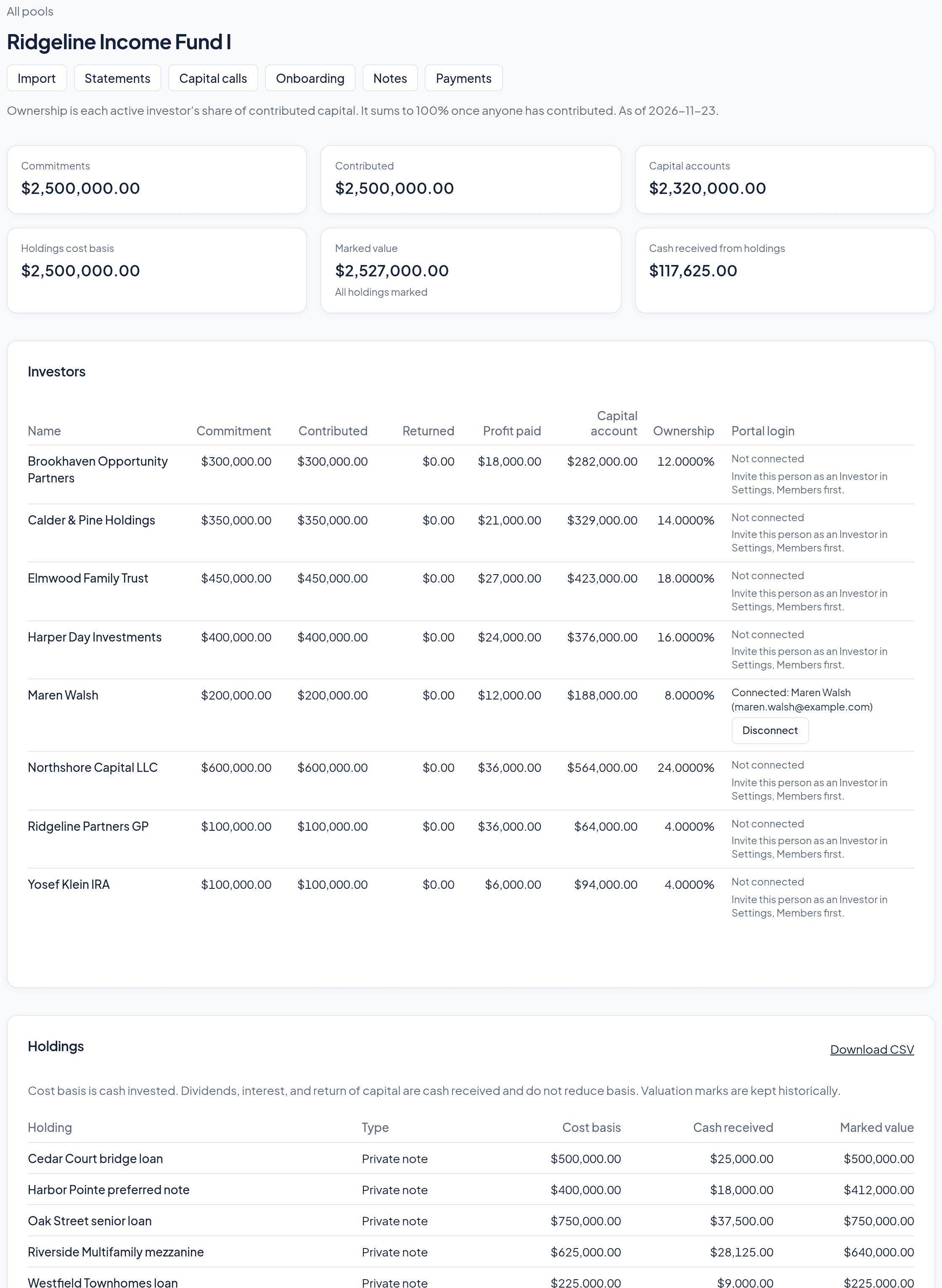
An investor record can be linked to a person's login so they see it in the portal. Invite them from Settings, Members with the Investor role, then connect the login from the Portal login column in the investor table or from the investor page. If the email matches, it is linked on acceptance. See Inviting investors to the portal.
Example
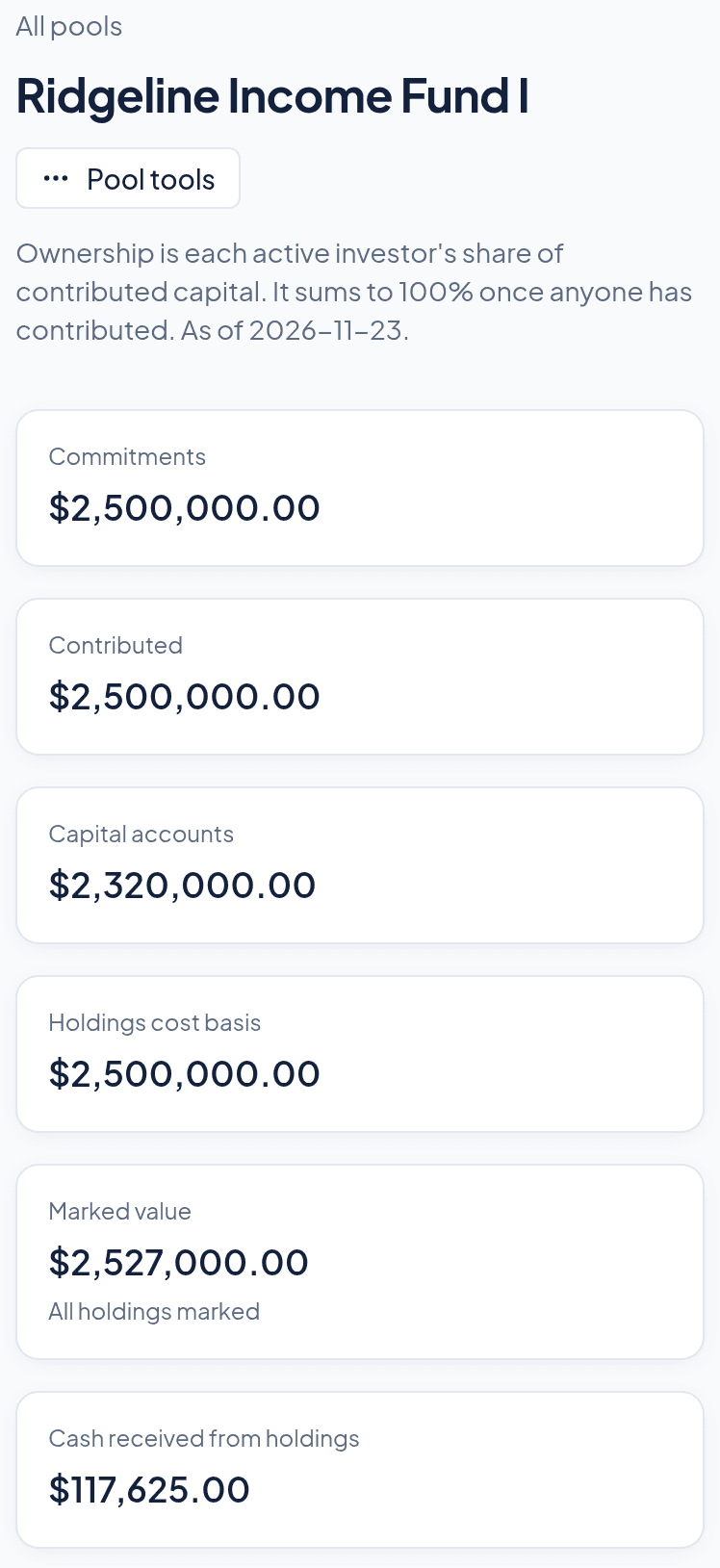
The Ridgeline demo pool has eight investors, from Northshore Capital LLC to Yosef Klein IRA.
AssetFlow is software. It is not a lender, loan servicer, investment adviser, broker, custodian, or money transmitter, and it never holds or moves money. Nothing here is tax, legal, or investment advice.